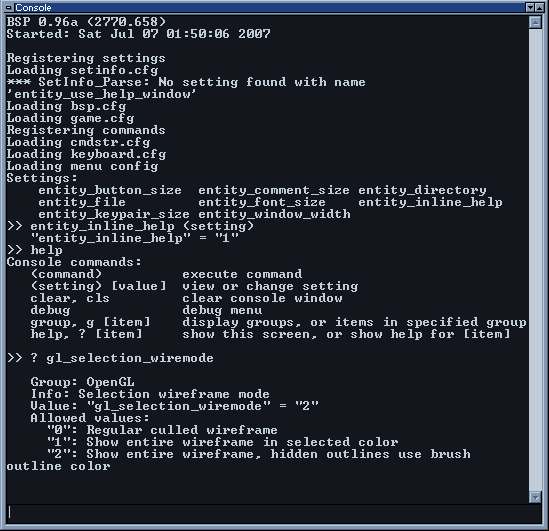
The console window provides features to run commands, change settings, and
view information about commands and settings. Command names and settings
names can be tab-completed. A history buffer with the most recently used
commands can be accessed with the up and down arrow keys. The escape key
will clear the input buffer, or hide the console if already empty. The default key to
show the console is F8.
Error and warning messages are printed to the console and can help diagnose
some types problems encountered while working with BSP. If BSP fails to start
for some reason, there is a log file created in the main BSP directory that will
show what would have been printed in the console.